

Tools • Parts • Expert Support • JackHammers and More
Chipping Hammers
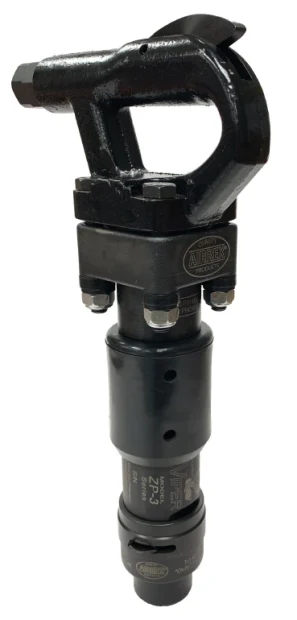
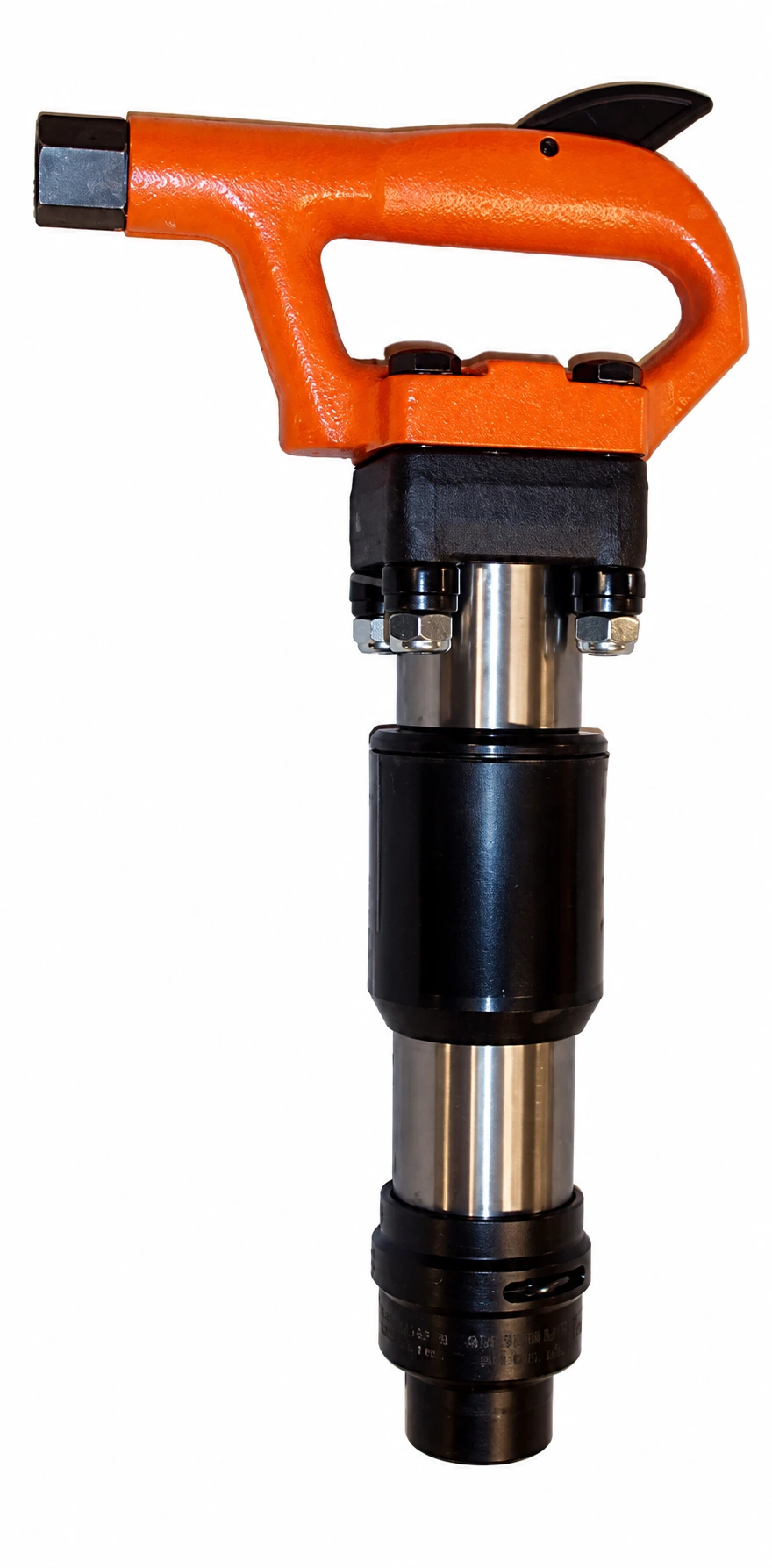
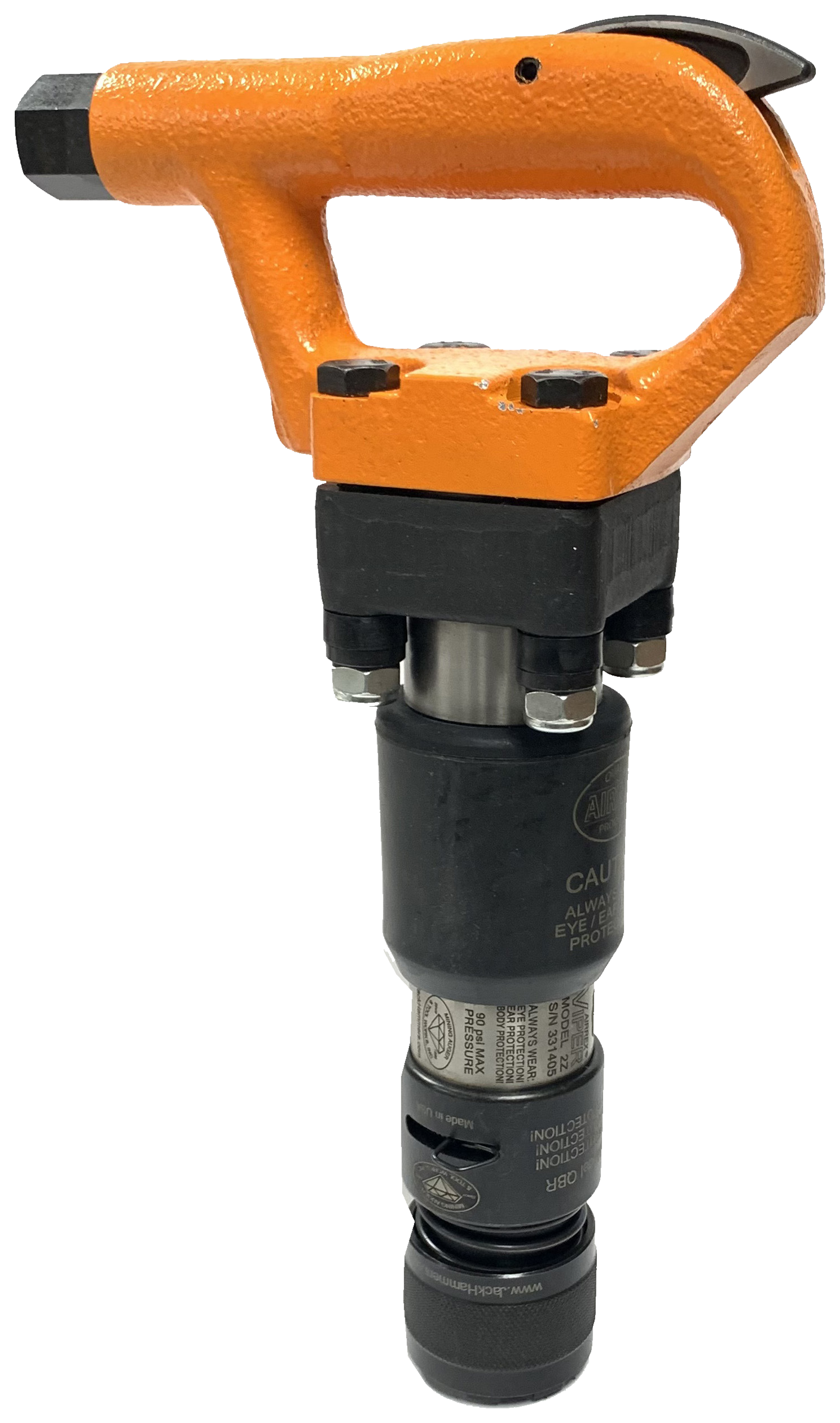
Browse pneumatic chipping hammers for chipping, chiseling and surface-removal work. Compare stroke length, tool weight, chuck size and retainer style, then open a model for its specifications and available configurations. Choosing points or chisels for a hammer you already own? Match the shank and collar to your tool’s retainer. Our points, chisels & steel buyer’s guide can help you narrow the choices. Selection guide below →
Selected: Chipping Hammers











Selection Guide
Choosing A Pneumatic Chipping Hammer
Start with the work you need to do, then compare the complete tool configuration. A model name alone may cover several strokes, shanks or retainer options.
1 Choose The Tool
Compare stroke, blows per minute, weight and overall length. Consider the work area and how the tool will be held.
2 Match The Accessory
Check shank shape and size, collar style, working end and under-collar length. The point or chisel must match the selected hammer configuration.
3 Check The Air Supply
Review the model’s air consumption, operating pressure, inlet connection and hose requirements before completing your setup.
Chipping Hammers Questions & Answers
What Is A Pneumatic Chipping Hammer Used For?
Chipping hammers are used for jobs such as chiseling, scaling and removing material. The hammer model and working end determine which applications it is suited to. Describe the material, the amount to remove and the working position when asking for a recommendation.
How Do I Choose A Stroke Length?
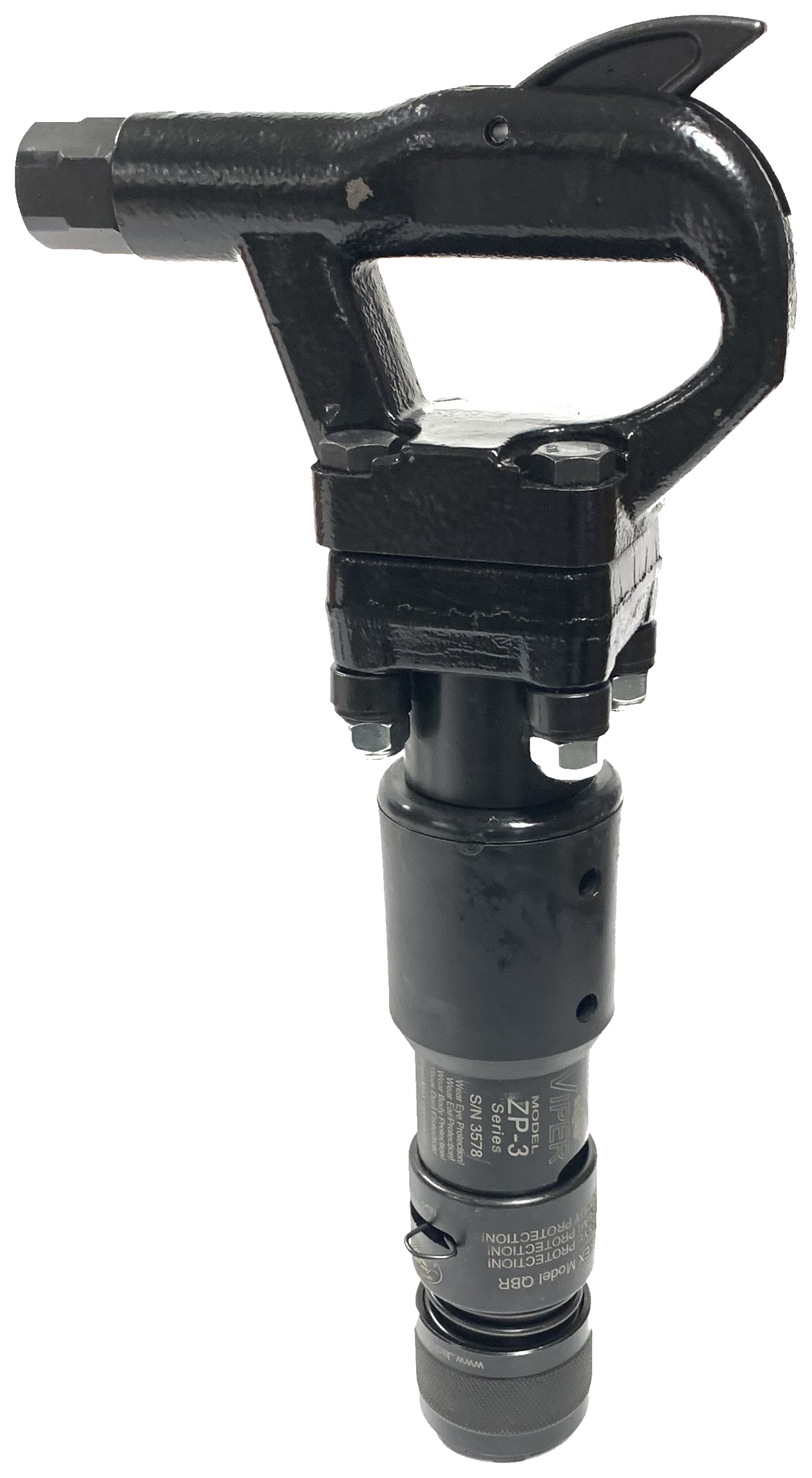
Compare stroke alongside blows per minute, weight and length. For example, the Airrex Viper ZT series offers 2-, 3- and 4-inch strokes, with different operating speeds and tool weights. A longer stroke alone does not tell you which hammer best suits your job. Compare Viper ZT specifications →
How Do I Know Which Points And Chisels Fit?
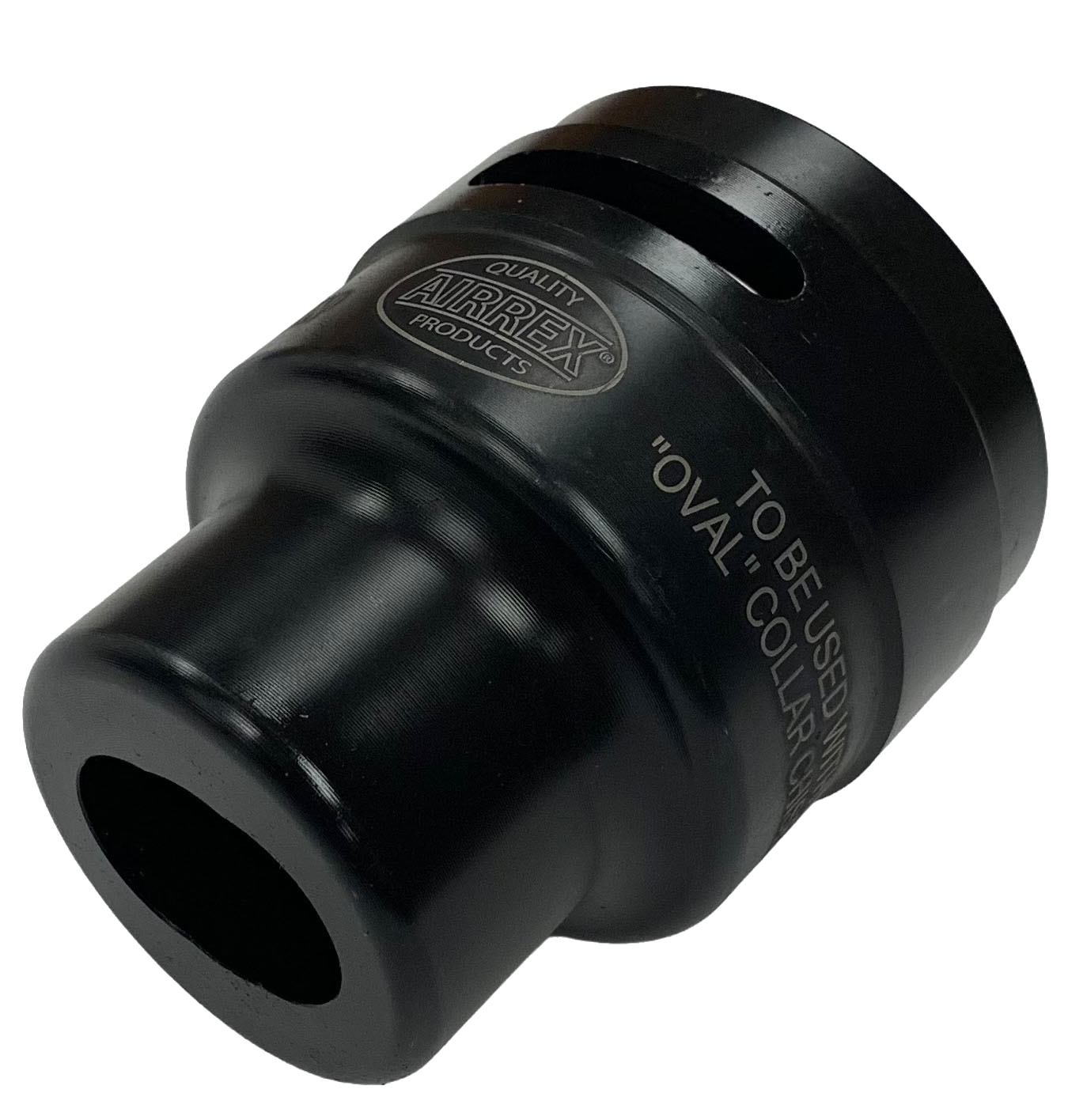
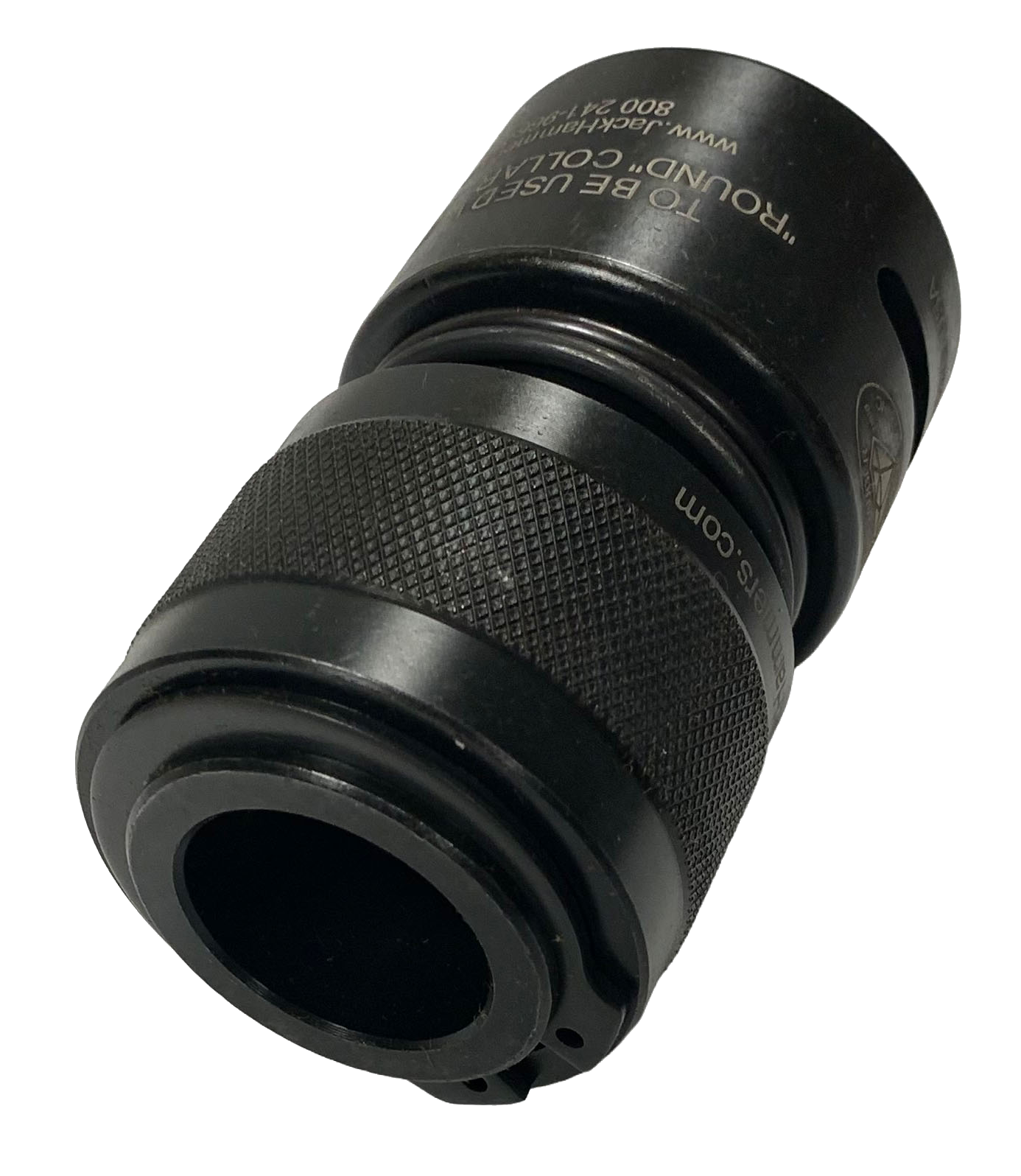
Match both the shank and the collar. The catalog includes .580-inch hex and .680-inch round shanks, with oval- and round-collar options. A “round shank” and a “round collar” describe different parts of the accessory. Then choose the working end and the listed under-collar length. Compare the illustrated shank and collar guide →
What Is The Difference Between Solid And Quick Change Ball Retainers?
The retainer holds the accessory in the hammer. In our chipping hammer steel range, Solid Retainers pair with oval-collar accessories; Quick Change Ball Retainers pair with round-collar accessories. Check which retainer is fitted to your tool, along with its shank size. Shop oval-collar steel or round-collar steel.
What Air Compressor Requirements Should I Check?
Check the hammer’s required airflow in CFM at its specified pressure in PSI, plus the listed hose and connection sizes. For example, the Viper ZT series lists 32–36 CFM at 90 PSI, depending on stroke. Use the requirements for your exact model when comparing your air supply. Browse air and whip hoses →
How Do I Find Replacement Parts For My Chipping Hammer?
Start with the brand, model and version marked on the tool. Open the matching parts drawing to identify the component and its part number. Include those details with your request; models with similar names can use different parts. Find a chipping hammer parts drawing →
Need Help Choosing?
Have your tool brand and model, the material you’re working on, and any existing accessory part number ready.
