
Rock Drills · Buyer’s Guide
How To Choose A Pneumatic Rock Drill
Match a pneumatic rock drill to hole diameter, depth, working position, air supply and drill steel. Use this checklist to compare the complete setup.
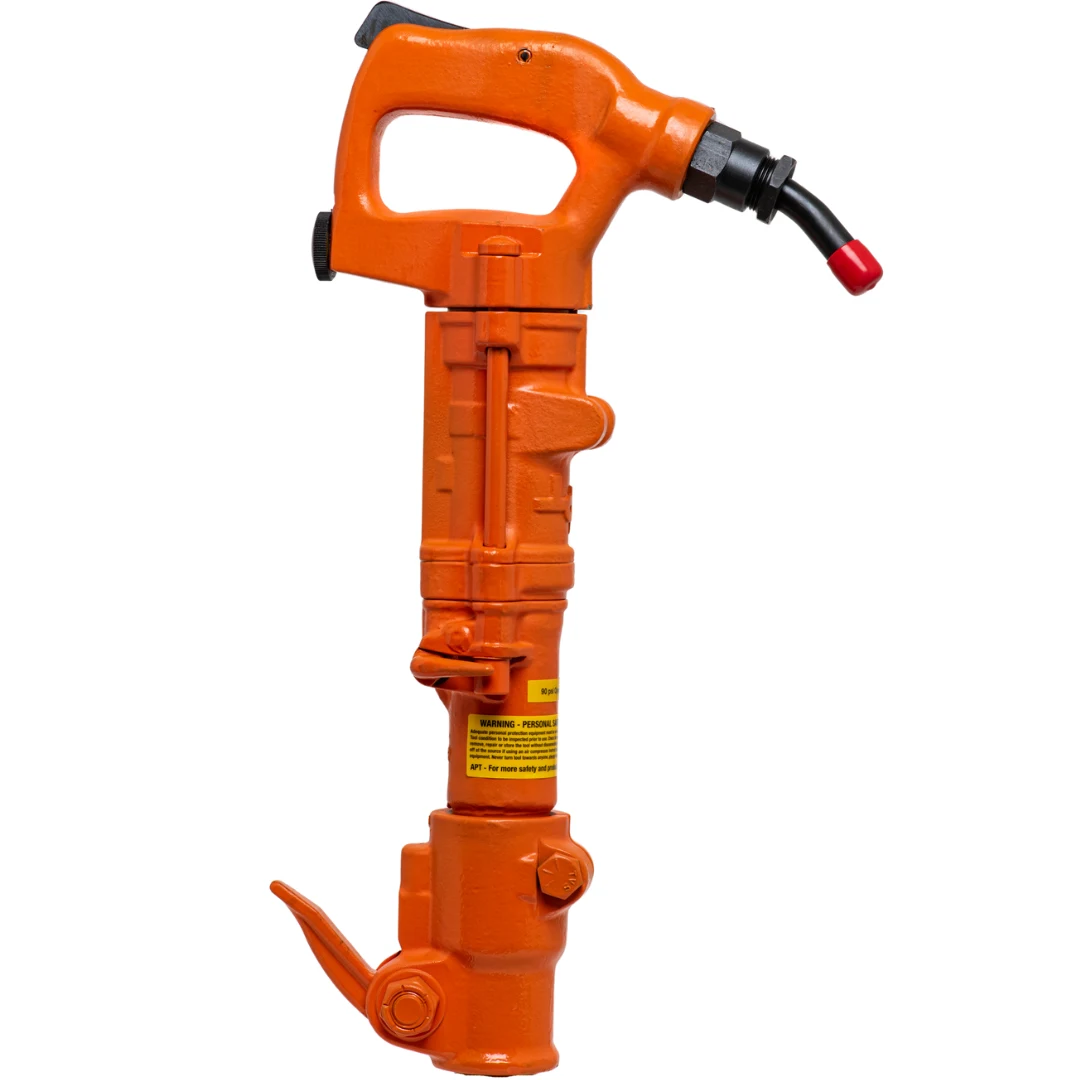
A rock-drill search can start with the hole you need to make. Its diameter, finished depth and location give you a practical brief before you begin comparing tool weights or model names.
This guide connects that brief to the drill, rods, bits and air supply. Whether you are putting together a new setup or hoping to reuse existing steel, the aim is to arrive at a complete set of specifications you can discuss and quote.
The Short Answer
Start with the finished hole and the material. Then compare drills rated for that work, confirm the available air supply, and match the drill-end shank and bit-end connection separately. Tool weight is a useful filter, but it is not a hole-capacity specification.
Define The Hole Before Choosing The Drill
Write the required diameter and finished depth as separate measurements. Also note how many holes you need and whether you are drilling downward, horizontally or in a confined position. A short anchor hole and repeated deep holes may call for different equipment even when the diameters match.
Describe the material as accurately as possible. If its type is uncertain, send a job photo and explain what you know. A catalog maximum is a model rating under stated conditions, not a promise of the same production rate in every formation.
Compare Models, Not Just Weight Classes
Use the rock-drill catalog to narrow the range, then read the exact model specifications. Compare operating weight, handle arrangement, drilling range, air consumption and chuck dimensions. Keep the manufacturer’s definitions beside any numbers you compare.
A model family may contain more than one chuck or operating configuration. Save the address for the configuration you are considering and include the full model name in your inquiry. Two cards sharing a photograph do not necessarily accept the same steel.
Match The Rod At Both Ends
The shank is the end held in the drill. The connection at the other end of a detachable-bit rod is a separate specification. A matching drill shank does not automatically identify H thread, rope thread or a taper.
For replacement steel, photograph the shank, collar and bit connection and record any markings. For a new setup, select the drill first, then choose a compatible rod and bit. The bit diameter establishes the hole size; it does not tell you the chuck size.

Check Air And The Complete Job Setup
Compare the drill’s specified airflow and pressure with the compressor’s delivered output at that pressure. Include other tools that will run at the same time and the planned hose run. Tank capacity alone is not an airflow rating.
Confirm the model’s flushing arrangement and the job’s required dust controls before selecting equipment. Use its current operating instructions for the installation and work method. Bring these requirements into the equipment discussion rather than choosing a drill and discovering a missing support system afterward.
Make The Quote Useful
Send the hole diameter and depth, material, work position, drill candidates, compressor information and any existing steel you want to reuse. If you need parts for an existing drill, include the model plate and drawing instead of treating a new-tool comparison as a parts match.
A useful comparison should leave you with a specific drill configuration, compatible rods and bits, and a documented air-supply requirement. Those details make it easier to compare complete quotes and avoid ordering only part of the setup.
Your Comparison Checklist
| Decision | Record before comparing | Why it matters |
|---|---|---|
| Hole | Diameter, usable depth and number of holes | Defines the work the drill must perform |
| Material and access | Rock or concrete, working direction and clearance | Helps narrow suitable tools and handling arrangements |
| Air supply | Delivered CFM at the required pressure; hose length and size | The drill needs its specified supply while running |
| Drill steel | Shank shape and full dimensions; rod length | The rod must fit the exact chuck |
| Bit connection | Thread family or taper; bit diameter | The bit must fit the rod and the intended hole |
Common Questions
Is A Rock Drill The Same As A Jackhammer?
A rock drill combines impact with rotation to make holes. A conventional paving breaker is used for breaking material. Some tools offer more than one mode, so confirm the exact model rather than assuming every breaker can drill.
Can I Choose A Drill From Its Weight Alone?
No. Use the manufacturer’s drilling specifications, working position and air requirements as well as weight. A weight-class label is only a starting point for comparison.
Can I Keep My Existing Rods And Bits?
Possibly. Check the drill-end shank, bit-end connection and the intended hole against the new drill’s specifications. Reuse should be confirmed from dimensions and model information.
References & Further Reading
Use the current manual for your exact model for operating, safety and maintenance instructions.
