
Airrex®

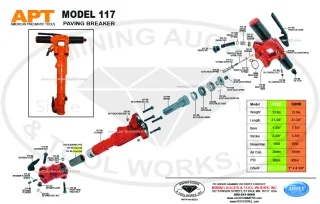
Paving Breaker Parts
Models: 117-A · 117-C
Tools • Parts • Expert Support
Find your pneumatic breaker by brand and model, then open its parts drawing or request a replacement part. Have a part number already? Use the parts search below.
21 tool models
Airrex®
Paving Breaker Parts
Models: 117-A · 117-C

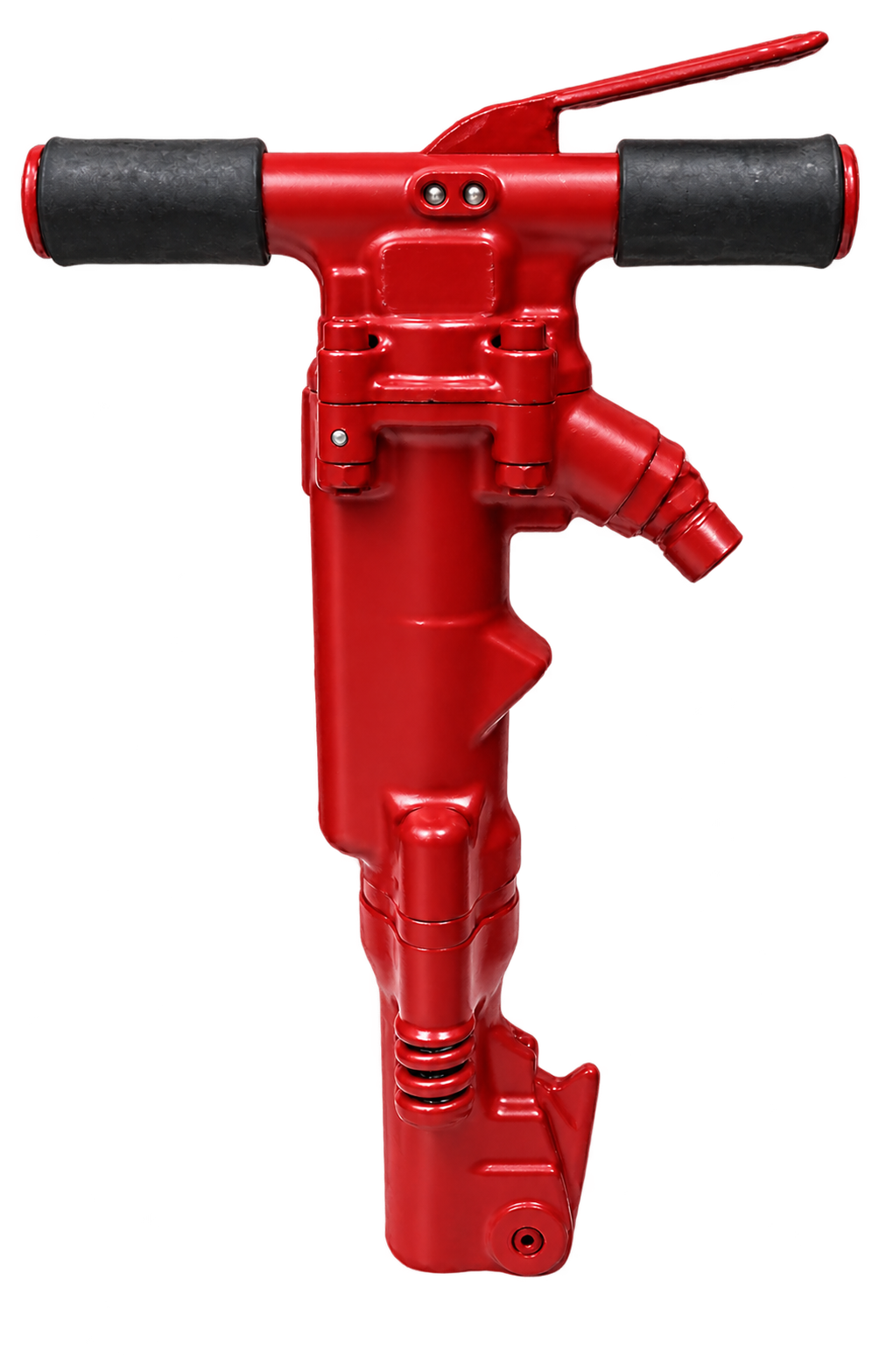
Airrex®
Paving Breaker Parts
Models: 210 · 210 S
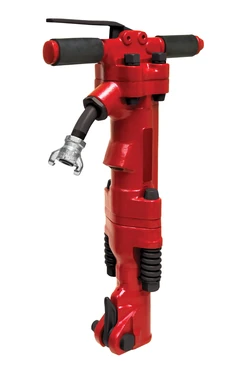
Airrex®
Paving Breaker Parts
Models: T60-A · T60-B
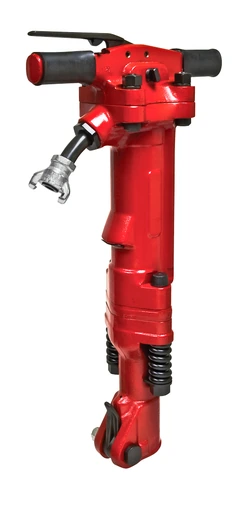
Airrex®
Paving Breaker Parts
Models: T90-A · T90-B
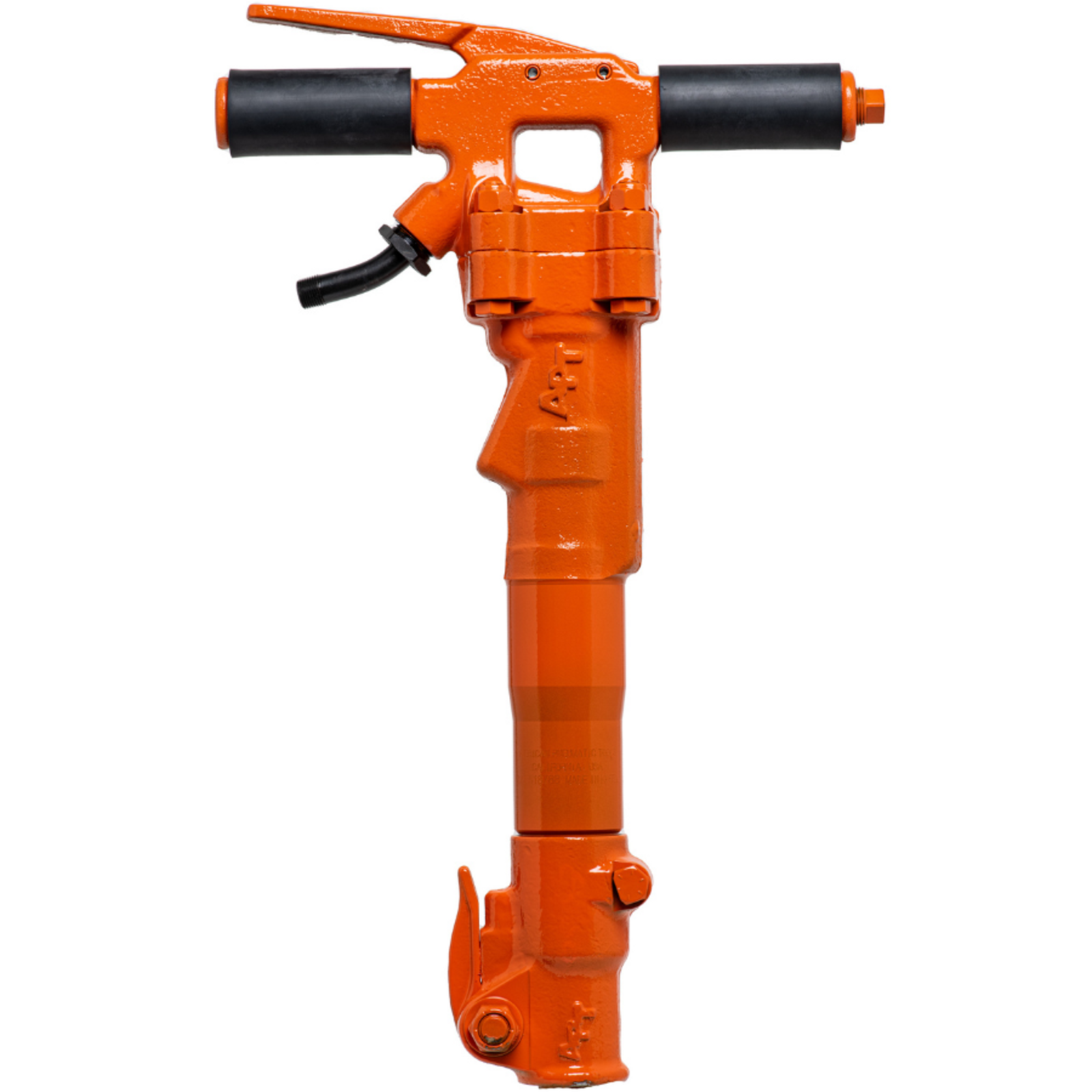
American Pneumatic™
Paving Breaker Parts
Models: 117-A · 117-C


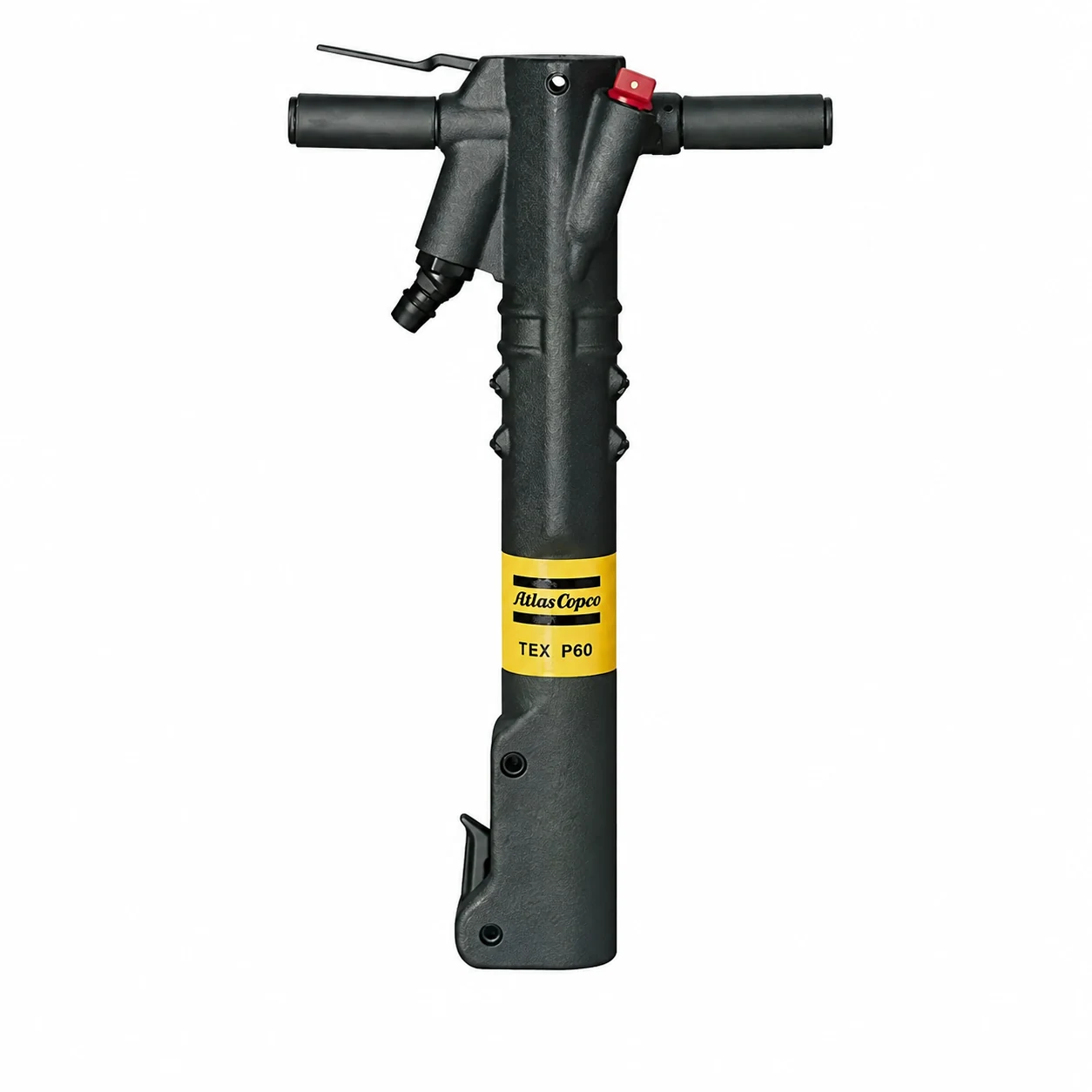
Atlas Copco®
Paving Breaker Parts
Models: TEX P60 · TEX P60S
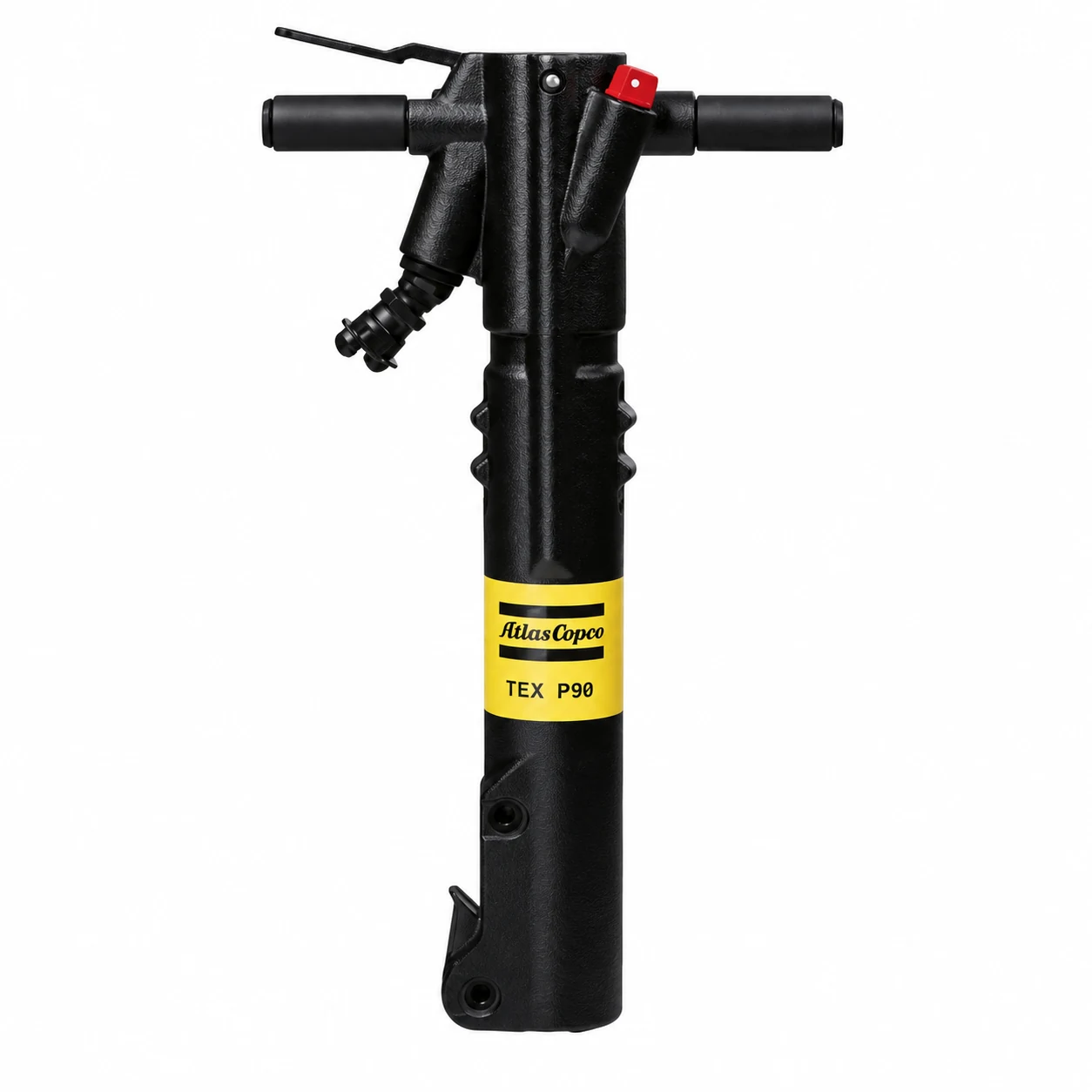
Atlas Copco®
Paving Breaker Parts
Models: TEX P90 · TEX P90S

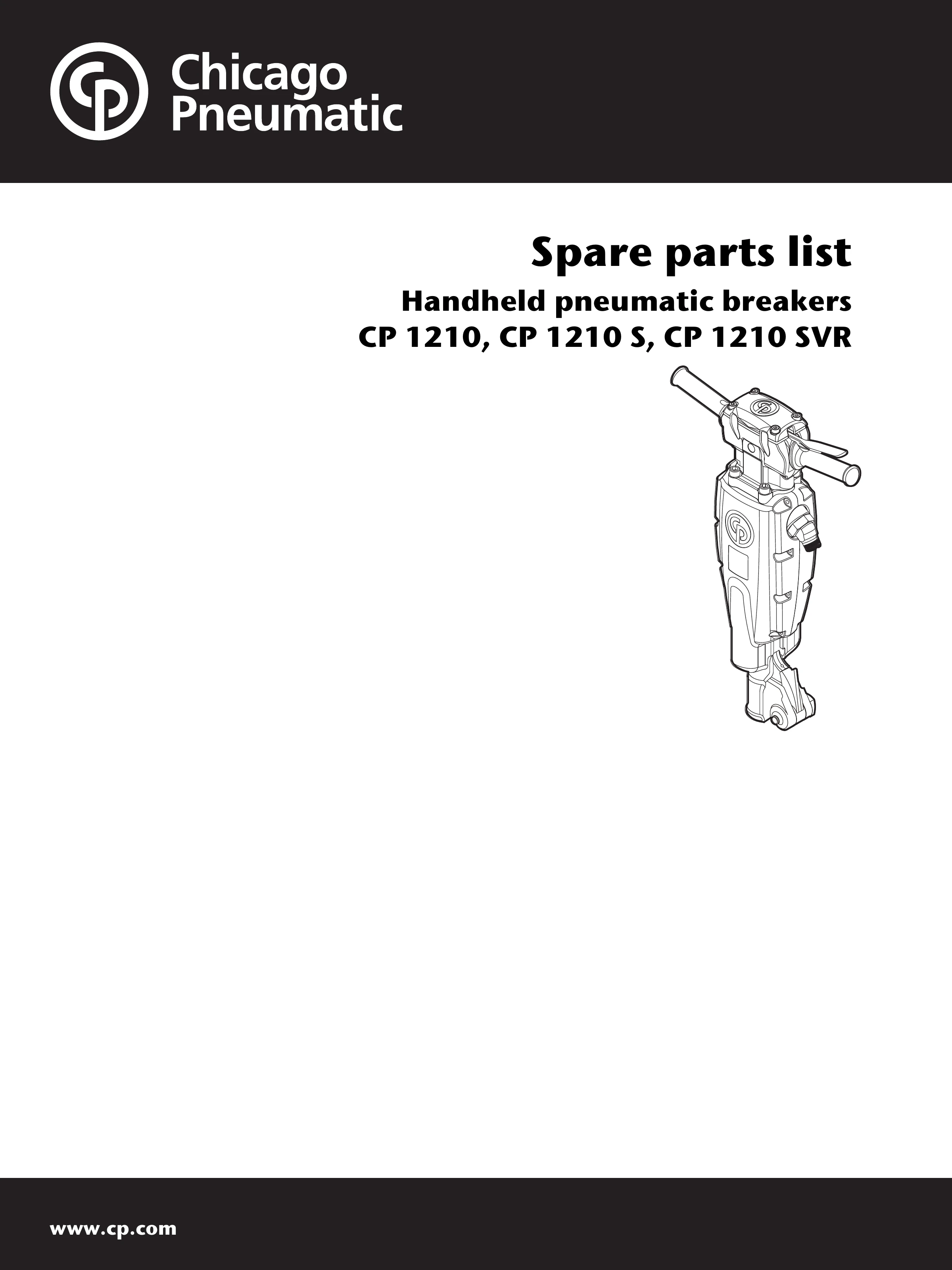
Chicago Pneumatic®
Paving Breaker Parts
Models: 1210 · 1210S · 1210SVR
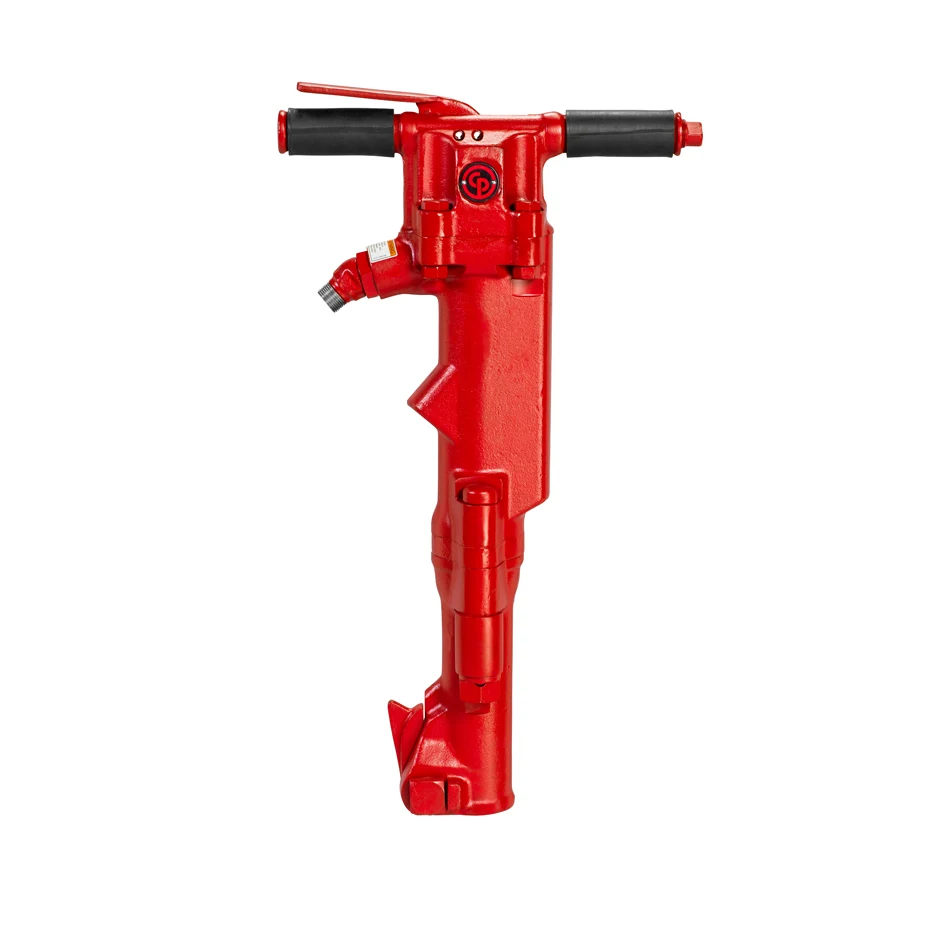
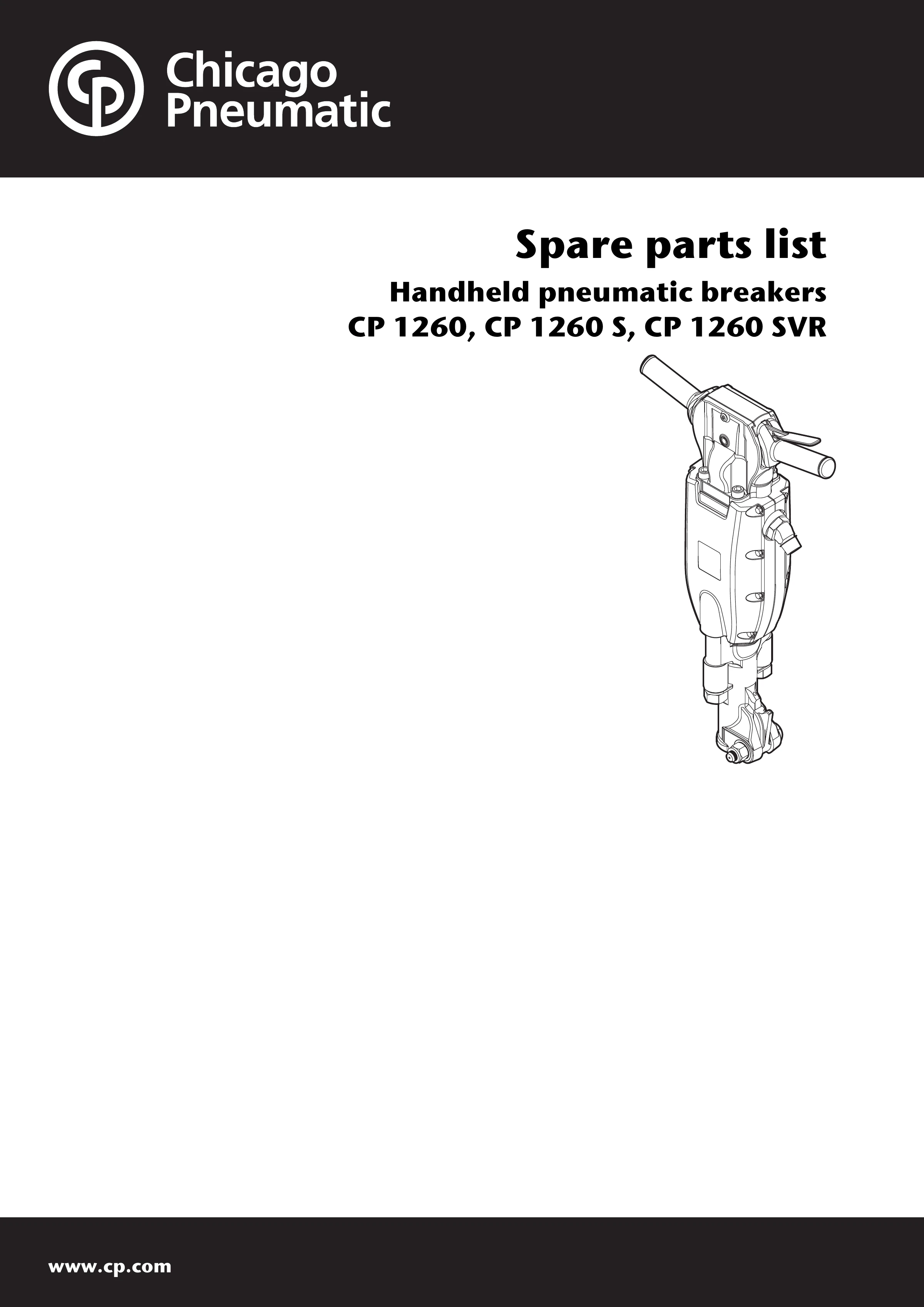
Chicago Pneumatic®
Paving Breaker Parts
Models: CP 1260 · CP 1260S · CP 1260SVR

Chicago Pneumatic®
Paving Breaker Parts
Models: CP 1290 · CP 1290S · CP 1290SVR
Contact us to identify the correct drawing.
Chicago Pneumatic®
Paving Breaker Parts
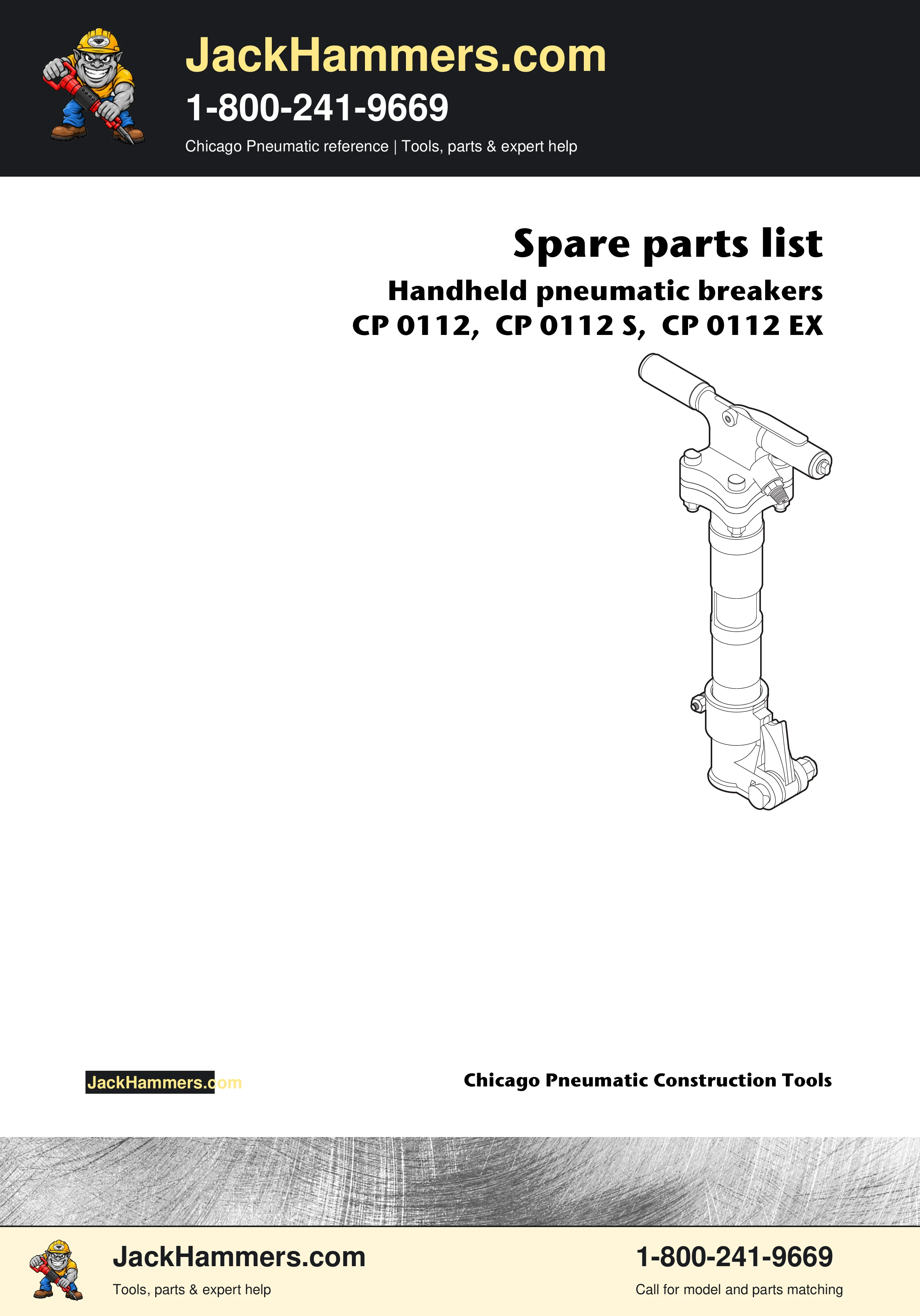
Models: CP0112 · CP0112S · CP0112EX

Ingersoll Rand™
Paving Breaker Parts
Models: PB35AL8 · PB35AS8 (Muffler)
Contact us to identify the correct drawing.

Ingersoll Rand™
Paving Breaker Parts
Models: MX60A · MX60AF · MX60B · MX60BF · MX90A · MX90AF · MX90B · MX90BF
Contact us to identify the correct drawing.
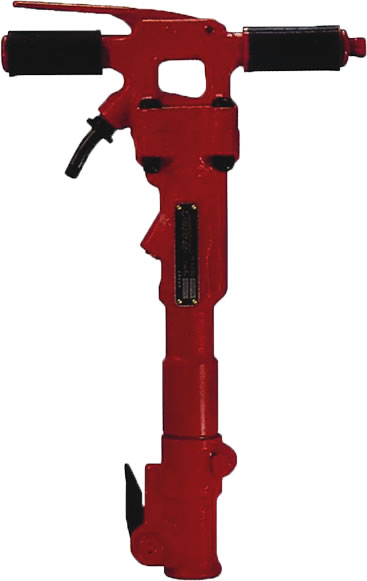
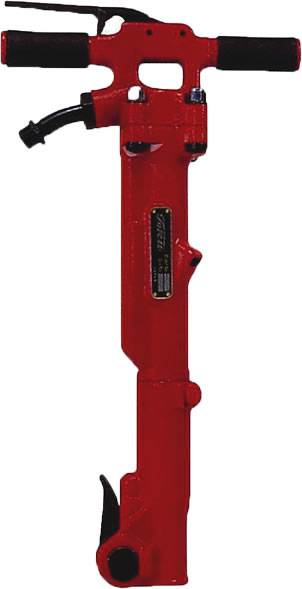
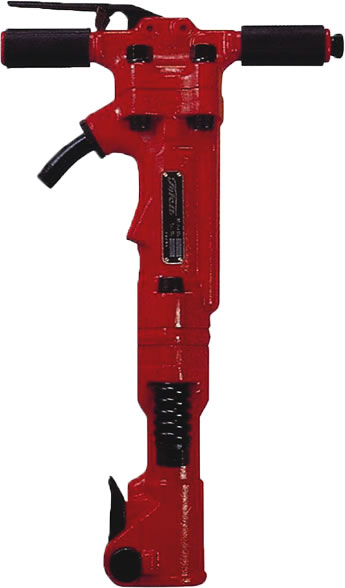
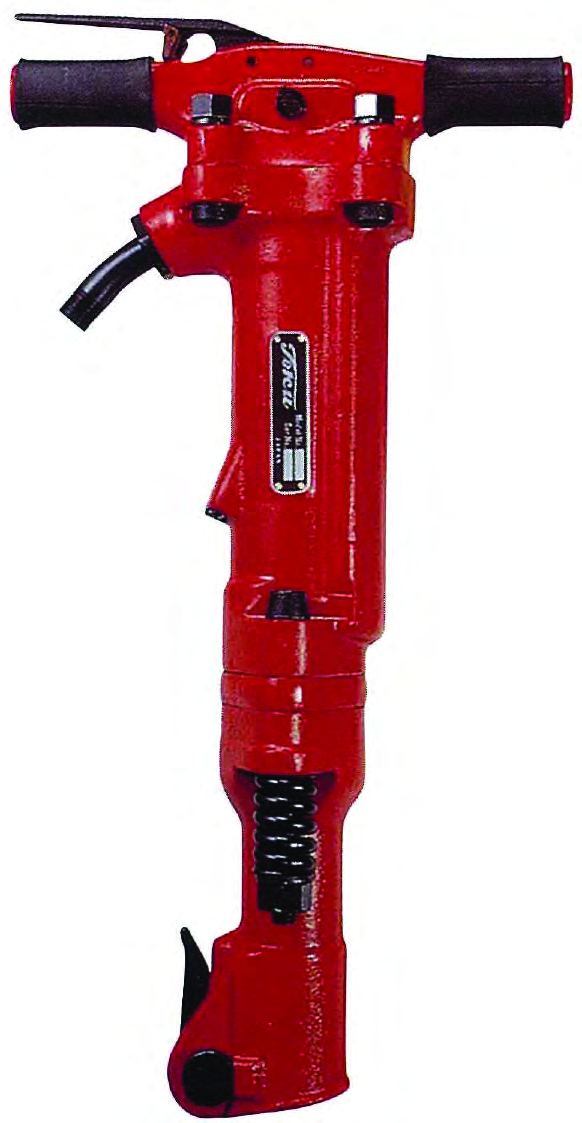
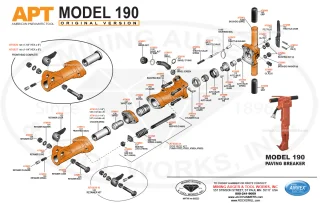
Tool photos are model references. Check the complete model, version and drawing title before requesting parts. How to identify a replacement part →
Selection Guide
Use the complete model and matching parts drawing to identify what you need. Photos help you find the model; the model, version and parts list establish the correct replacement.
Record the brand, complete model, suffix and serial information. Photograph the whole tool and its identification plate.
Check the model coverage and drawing revision. Find the component callout, then copy its manufacturer part number from the parts list.
Send the part number, model and quantity. If the number is unclear or missing from search, ask for identification help.
A piston, valve, retainer component or handle part must be identified from the correct model drawing. A point, chisel or spade is working steel: match its complete shank dimensions and the tool’s retainer requirements. See the illustrated chisel and shank guide →
Send a nameplate photo, tool photo, any existing drawing and the component callout. An empty search result does not mean a part is unavailable. We will help confirm identification and availability before completing the request.
Weight class does not establish a repair-parts match. Check the exact brand, model and version. Even tools accepting the same chisel can have different internal components. For complete tools, browse 60 lb class breakers or 90 lb class breakers.
Usually the small number beside the component identifies a row in the drawing’s parts list. Copy the listed manufacturer part number and description, and include the tool model with the request. A drawing can cover more than one model; check its title and version before ordering.
Send the model, serial information, drawing callout and a photo of the part. We can help you identify the replacement and confirm availability.

Tell us which tools or parts you need.